How to update your BOLTT phone
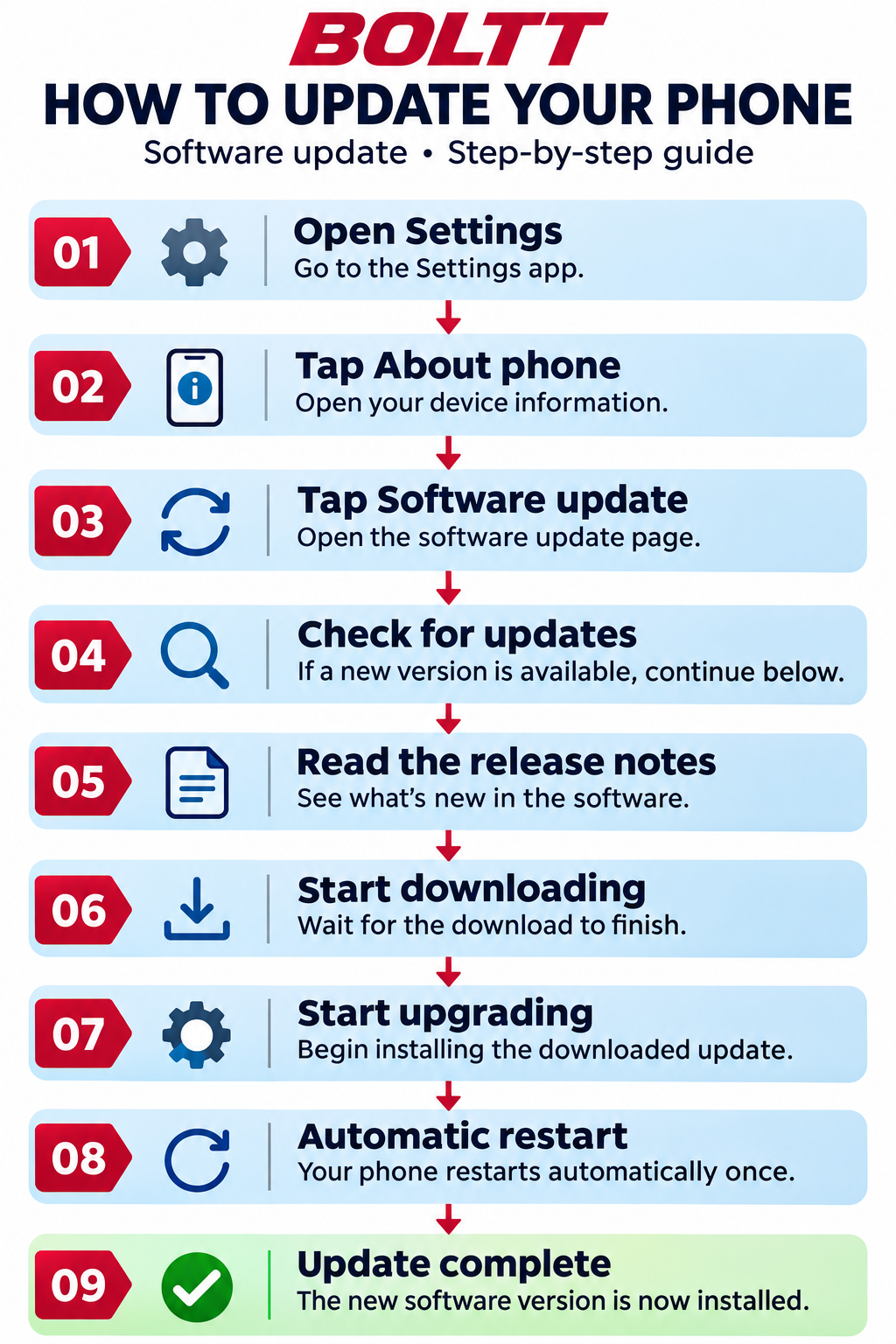
BOLTT software update guide. 1. Open Settings. 2. Tap About phone. 3. Tap Software update. 4. Check for updates. If a new version is available, continue. 5. Read the release notes to see what's new. 6. Start downloading and wait for the download to finish. 7. Start upgrading to install the update. 8. Your phone restarts automatically once. 9. Update complete: the new software version is installed.